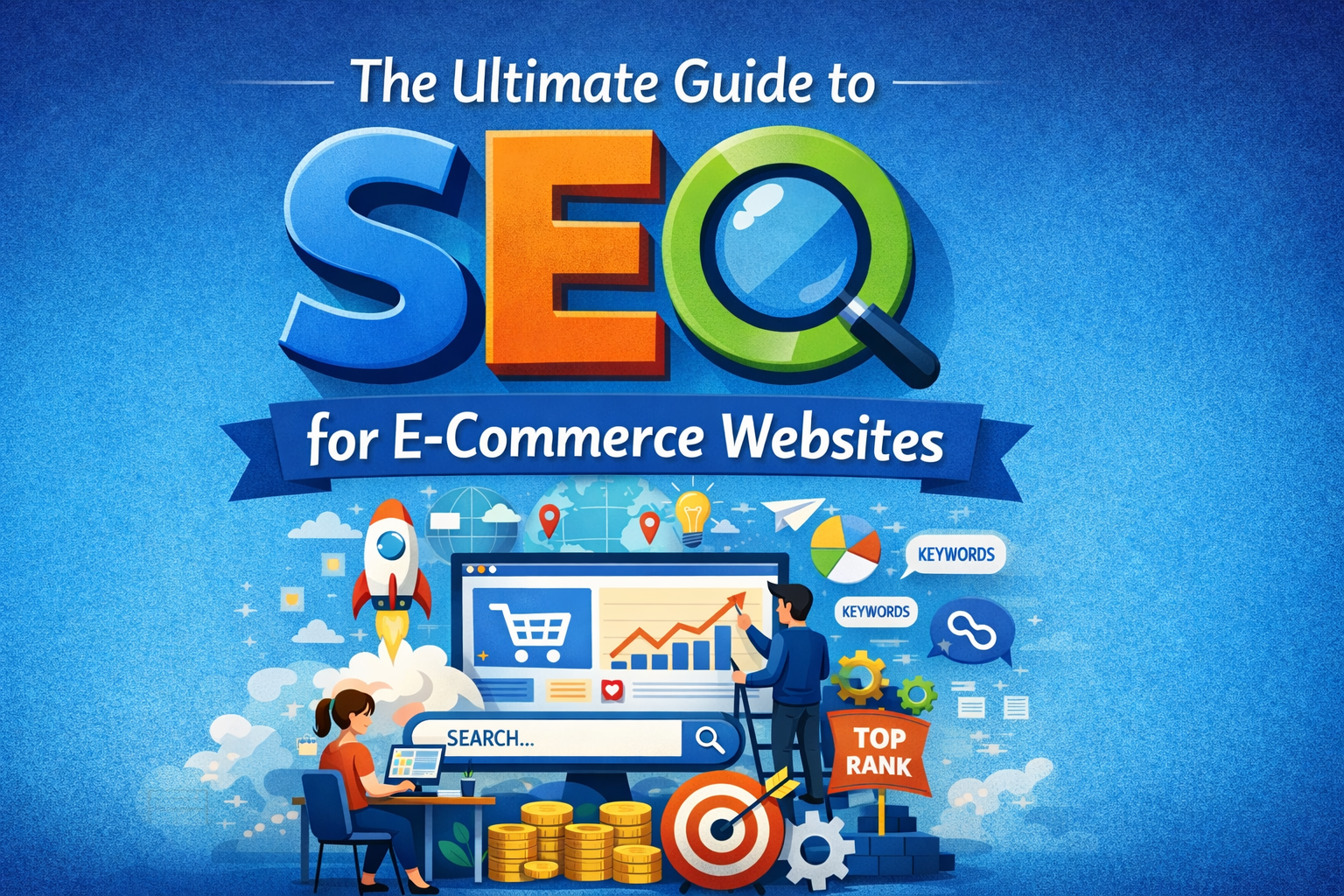
If you run an online store, getting found on Google is everything. Without traffic, even the best products sit unseen. That’s where e-commerce SEO comes in — it’s the process of optimizing your online store so search engines rank it higher, driving free, consistent, and purchase-ready traffic to your site.
This guide breaks down everything you need to know about SEO for e-commerce websites — from keyword research to technical fixes — in plain, actionable language. Whether you’re just starting out or looking to level up your existing store, this is your go-to resource.
What Is E-Commerce SEO and Why It Matters
E-commerce SEO is the practice of optimizing your online store’s pages — product pages, category pages, and blog content — so they rank higher in search engine results pages (SERPs).
Unlike paid ads that stop the moment you stop spending, SEO builds long-term, compounding traffic. Studies show that organic search drives over 40% of all e-commerce traffic, making it one of the most cost-effective marketing channels available to online sellers.
For small businesses and solopreneurs especially, mastering online store SEO means you don’t have to rely solely on paid advertising to grow. A well-optimized store keeps working for you 24/7 — even while you sleep.
How Search Engines Rank Online Stores
Before diving into tactics, it helps to understand how Google and other search engines decide which pages to show first. Search engines use automated bots called crawlers to scan and index your website. They then evaluate each page using hundreds of ranking signals, including:
Relevance — Does your page match what the user is searching for?
Authority — Do other reputable websites link to yours?
User Experience — Is your site fast, mobile-friendly, and easy to navigate?
Content Quality — Is your content original, helpful, and detailed?
Understanding these four pillars will guide every SEO decision you make for your store.
Keyword Research for E-Commerce Websites
Keyword research is the foundation of every successful SEO strategy. It’s how you discover exactly what your potential customers are typing into Google before they buy.
Finding Buyer Intent Keywords
Not all keywords are equal. For e-commerce SEO, you want to focus on buyer intent keywords — search terms used by people who are ready to purchase or are actively comparing products. These typically include words like:
These keywords convert far better than general informational searches because the user is already in buying mode.
Tools for E-Commerce Keyword Research
You don’t need to guess what people are searching for. Use these trusted tools to find the right keywords:
Google Keyword Planner — Free and directly from Google
Ubersuggest — Beginner-friendly with competitive data
Ahrefs or SEMrush — Advanced tools for deeper research
Google Search Autocomplete — Type your product into Google and note the suggestions
Answer the Public — Great for finding question-based keywords for blog content
Aim for a mix of high-volume short-tail keywords (e.g., “running shoes”) and low-competition long-tail keywords (e.g., “best waterproof running shoes for women under $100”). Long-tail keywords are especially powerful for new stores with lower domain authority.
On-Page SEO for Product and Category Pages
On-page SEO refers to everything you can optimize directly on your web pages. This is where most of your effort should go, especially for product page SEO and category page SEO.
Optimizing Titles, Meta Descriptions, and URLs
Every product and category page needs three key elements optimized:
Title Tag — Include your primary keyword naturally. Keep it under 60 characters. Example: “Waterproof Running Shoes for Women | DigiNomad818”
Meta Description — Write a compelling 150–160 character summary that includes your keyword and a call to action. This shows up in search results and affects click-through rates.
URL Structure — Keep URLs short, clean, and keyword-rich. Example: yourstore.com/waterproof-running-shoes-women — avoid long strings of numbers or symbols.
Writing Unique Product and Category Descriptions
One of the biggest SEO mistakes e-commerce store owners make is copying manufacturer product descriptions. This creates duplicate content, which can hurt your rankings. Instead, write original descriptions that:
Highlight key benefits (not just features)
Answer common customer questions
Include your target keyword naturally — don’t keyword stuff
Use bullet points for readability
Include a clear call to action like “Add to Cart” or “Shop Now”
For category pages, write at least 150–300 words of unique introductory content that describes what the category covers and why customers should shop there.
Image SEO for Product Photos
Images play a huge role in e-commerce, and they’re often overlooked for SEO. Here’s how to optimize every product image:
File Name — Rename images before uploading. Use descriptive names like waterproof-running-shoes-women-blue.jpg instead of IMG_4839.jpg
Alt Text — Add descriptive alt text to every image. This helps Google understand the image and improves accessibility
Compression — Compress images using tools like TinyPNG or ShortPixel to reduce file size without losing quality — this directly improves page speed
Use WebP Format — WebP images are significantly smaller than JPEGs while maintaining quality
Technical SEO Fundamentals for Online Stores
Technical SEO ensures that search engines can crawl, index, and understand your website without any barriers. Even great content won’t rank well if your site has technical issues holding it back.
Site Speed and Core Web Vitals
Google officially uses Core Web Vitals as a ranking factor. These are three metrics that measure real-world user experience:
LCP (Largest Contentful Paint) — How fast the main content loads. Aim for under 2.5 seconds.
FID (First Input Delay) — How quickly your page responds to user interaction. Aim for under 100ms.
CLS (Cumulative Layout Shift) — How stable your page layout is as it loads. Aim for under 0.1.
Use Google PageSpeed Insights or GTmetrix to test your store’s speed and get specific recommendations. Common fixes include enabling browser caching, using a content delivery network (CDN), and minimizing JavaScript.
Mobile-Friendly and Responsive Design
Over 60% of e-commerce traffic now comes from mobile devices. Google uses mobile-first indexing, meaning it primarily uses the mobile version of your site for ranking purposes.
Make sure your store theme is fully responsive, buttons are easy to tap, fonts are readable on small screens, and checkout is smooth on mobile. Most modern Shopify and WooCommerce themes handle this well, but always test your store on multiple devices.
Site Architecture, Internal Links, and Sitemaps
A well-organized site structure helps both users and search engines navigate your store efficiently. Follow these best practices:
Keep your most important pages within 3 clicks from the homepage
Use internal linking to connect related products, categories, and blog posts
Create and submit an XML sitemap to Google Search Console so Google can find and index all your pages
Use breadcrumb navigation on product and category pages to improve usability and SEO
Content Marketing for E-Commerce SEO
A blog is one of the most powerful — and most underused — SEO tools for e-commerce stores. Publishing helpful content regularly attracts new visitors, builds authority, and creates natural opportunities to link to your products.
Blog Post Ideas That Attract Buyers
The best blog topics for e-commerce stores are those that answer questions buyers are already asking before they purchase. Great examples include:
“How to Choose the Right [Product Type] for Your Needs”
“Top 10 [Product Category] for [Specific Use Case] in 2026”
“The Beginner’s Guide to [Topic Related to Your Niche]”
“[Product Name] Review — Is It Worth It?”
“X Signs You Need a [Your Product]”
Every blog post is an opportunity to target a new keyword, attract a new audience segment, and guide readers toward making a purchase from your store.
Using Buying Guides and Comparison Posts
Buying guides and comparison posts are among the highest-converting content types in e-commerce. When someone searches “[Product A] vs [Product B]” or “best for beginners,” they are very close to making a purchase decision.
Create detailed, honest comparison posts and buying guides that feature your own products alongside others. These posts rank well for high-intent keywords and naturally funnel readers toward your store.
Off-Page SEO and Link Building for E-Commerce
Off-page SEO refers to actions taken outside your website that influence your rankings — primarily backlinks (links from other websites pointing to yours). Google treats backlinks as votes of confidence. The more high-quality backlinks you have, the more authority your store builds.
Here are effective link-building strategies for e-commerce stores:
Guest Blogging — Write articles for relevant blogs in your niche and include a link back to your store
Product Reviews — Send products to bloggers and influencers in exchange for an honest review and link
Resource Pages — Reach out to websites that list resources in your niche and ask to be included
Broken Link Building — Find broken links on relevant sites and suggest your content as a replacement
HARO (Help a Reporter Out) — Respond to journalist queries to earn media mentions and backlinks
Social Sharing — While social signals aren’t direct ranking factors, they increase content visibility and can lead to natural backlinks
Consistency is key with link building. Even earning 2–3 quality backlinks per month adds up significantly over time.
Measuring Your SEO Results and Next Steps
SEO is a long-term strategy. Most stores start seeing meaningful results within 3 to 6 months of consistent effort. Here’s how to track your progress:
Google Search Console — Monitor which keywords you rank for, click-through rates, and indexing issues. This is free and essential.
Google Analytics — Track organic traffic, bounce rate, and conversion rates from SEO
Ahrefs or SEMrush — Monitor keyword rankings, backlink growth, and competitor performance
Core Web Vitals Report — Available inside Google Search Console to track technical performance over time
Set a monthly SEO review to check your rankings, identify pages that need improvement, and plan new content. SEO rewards consistency — stores that publish regularly and keep optimizing always outperform those that treat it as a one-time task.
Start Optimizing Your Store Today
E-commerce SEO isn’t something you can set and forget — but it also doesn’t have to be overwhelming. Start with the basics: fix your page titles and meta descriptions, write unique product descriptions, improve your site speed, and publish one helpful blog post per week.
Over time, these small consistent actions compound into a steady stream of free, high-quality traffic that grows your store month after month.
Bookmark this guide, come back to it as you work through each section, and share it with a fellow online seller who could use a boost. Your next sale could be just one Google search away. 🚀
Looking for more ecommerce seller resources, AI tools, and digital marketing guides? Visit DigiNomad818.com for everything you need to grow your online business smarter.